Apartments & hospitality
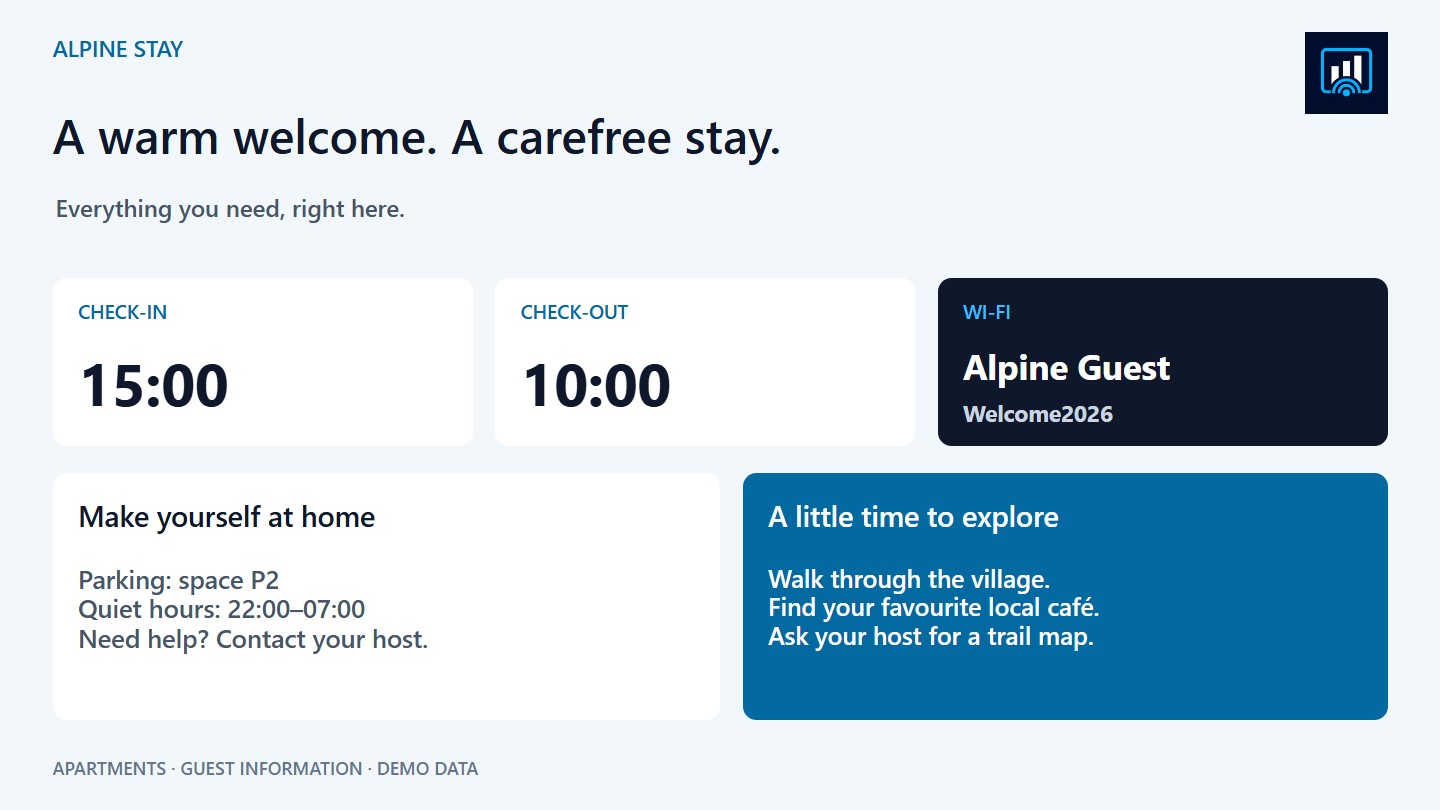
Welcome guests with check-in times, Wi-Fi, parking, house rules, and local information.
Information screens for every space
From apartments and reception areas to offices and production floors. Bring guest information, announcements, and live data onto clear, useful screens.
Keep teams, guests, and visitors informed without asking them to open another app.
Welcome guests with check-in times, Wi-Fi, parking, house rules, and local information.
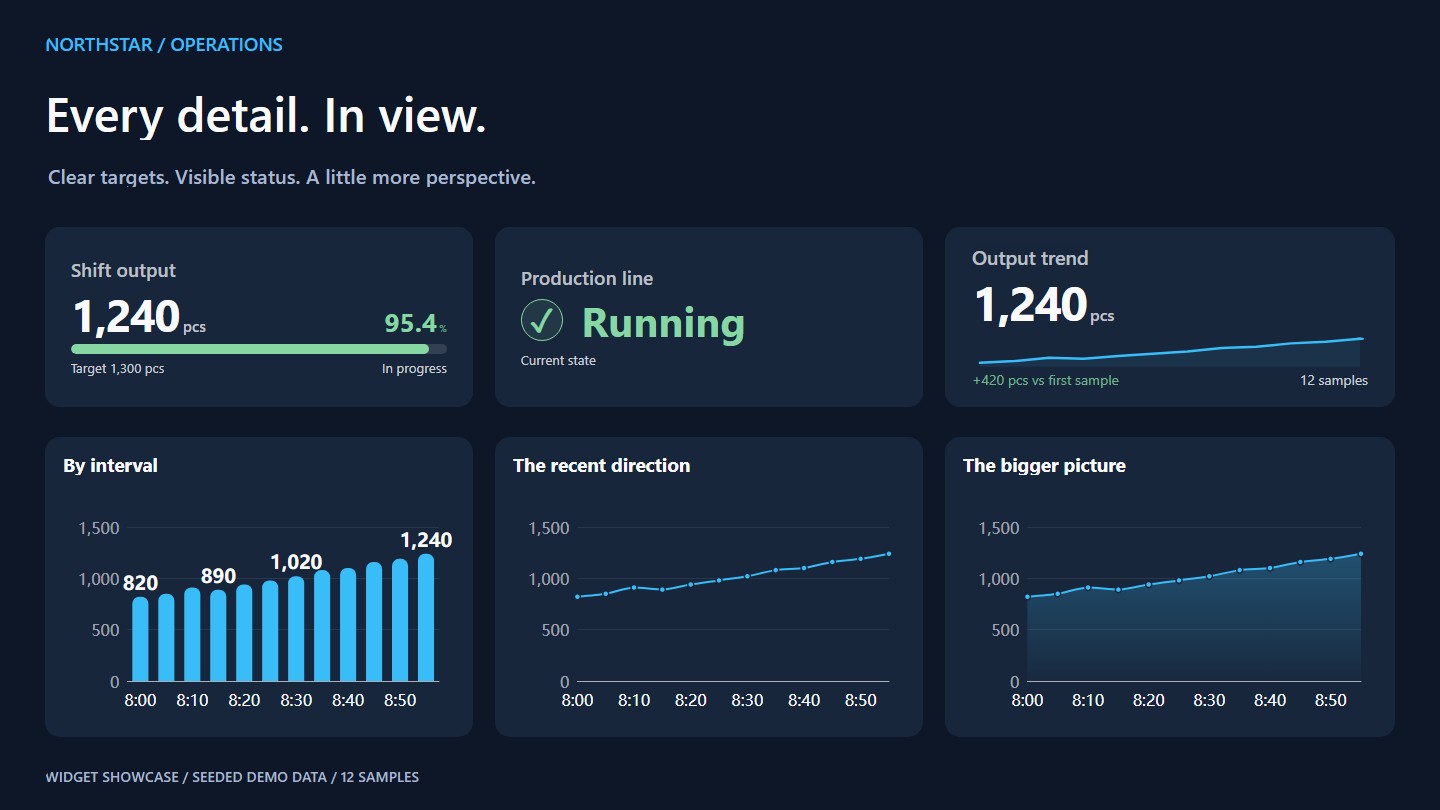
Keep output, quality, and line performance visible throughout the shift.
Welcome visitors and share announcements, practical information, and company news.
Make safety reminders and team updates easy to see in corridors and break rooms.
From source to screen
Read from PostgreSQL, SQL Server, Oracle, HTTP JSON, or RSS. Add manual records when a source is not needed.
Map source fields, filter records, and choose how often the dataset refreshes.
Arrange scenes and widgets on a landscape or portrait canvas. Publish when the layout is ready.
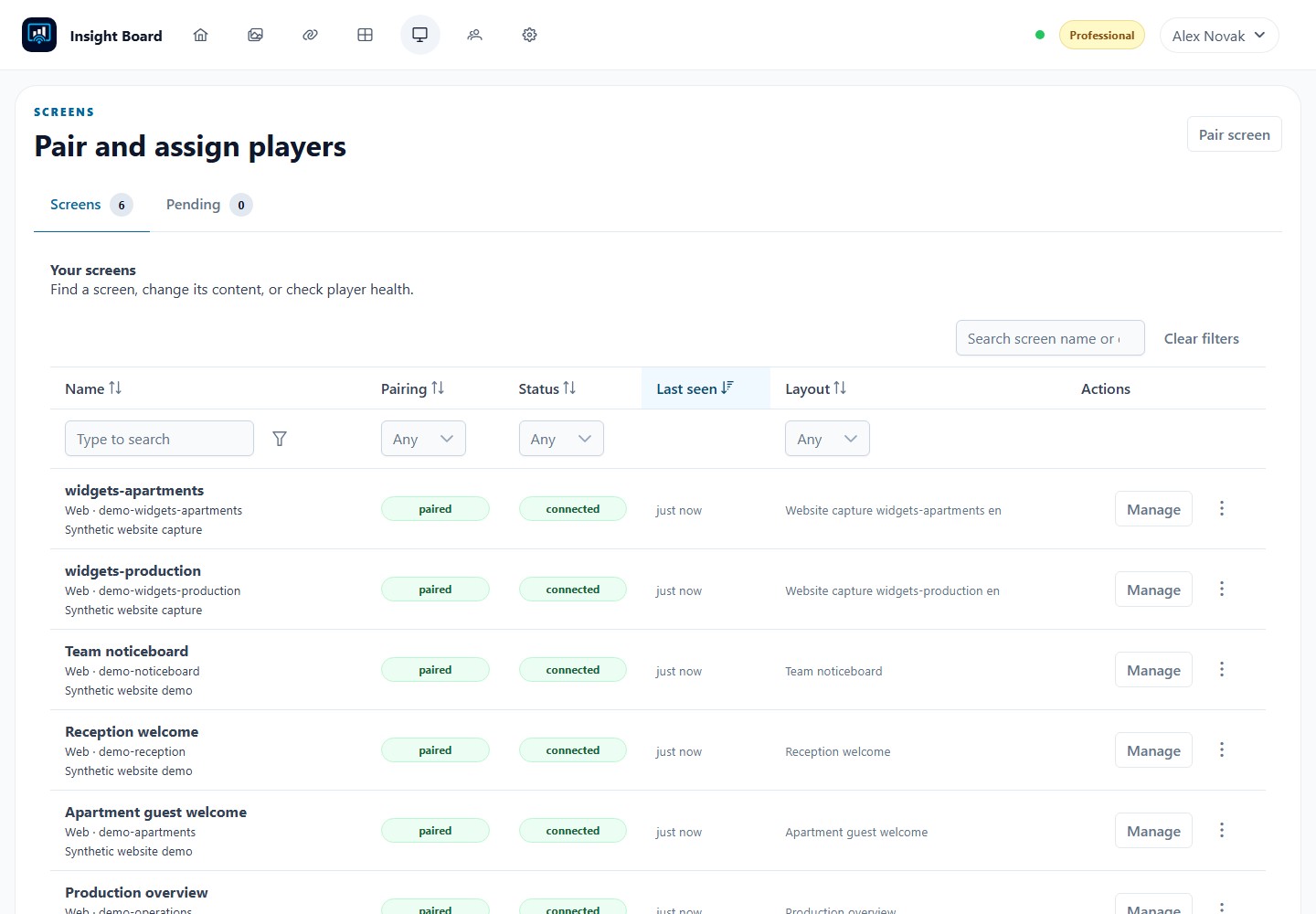
Claim a browser or Android player, assign its layout, and monitor its connection from the portal.
Made for changing information
Connect widgets to reusable datasets. Edit the presentation in a visual canvas, publish it, and assign it to the screens that need it.
See how layouts work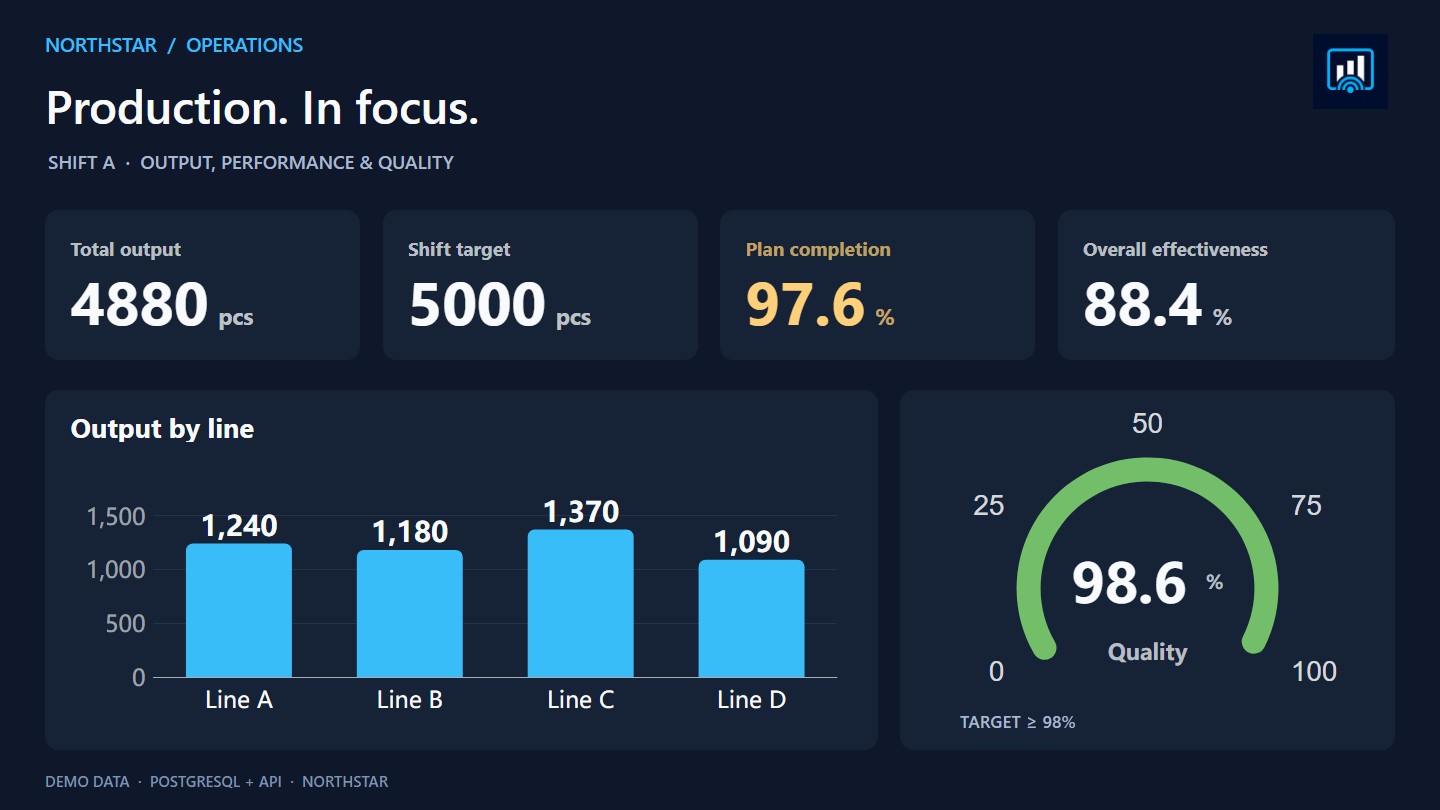
Across your locations
The same core workflow, with a deployment model that fits your organisation.
We operate the application infrastructure. Your team manages content, data connections, and screens.
Run Insight Board on your infrastructure with an annual licence. Your IT team handles hosting, backups, and deployment.
Tell us about your data, locations, and display devices.