Connections and sources
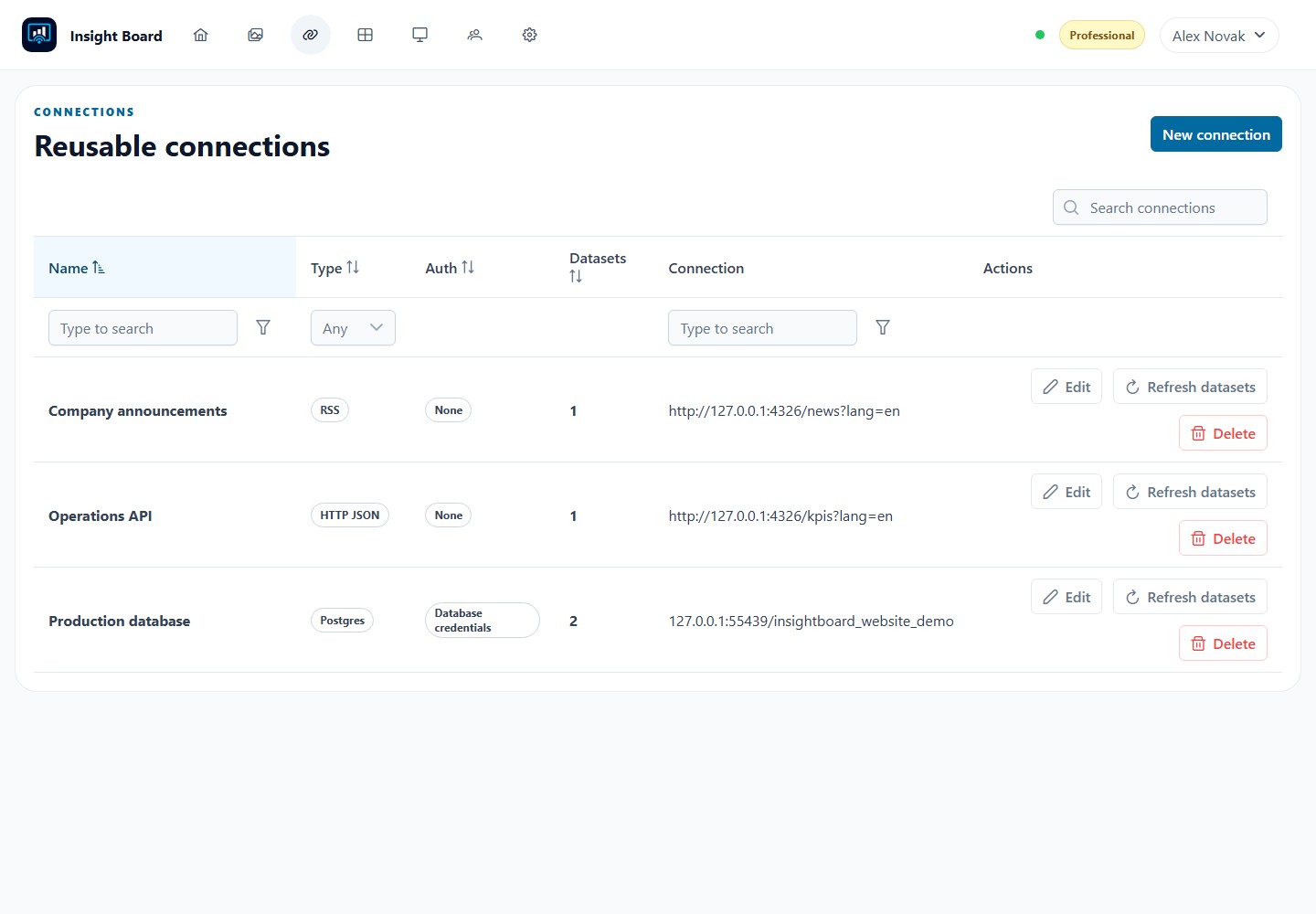
A connection stores access details; a dataset selects and refreshes records. Several datasets can reuse one connection.
Add a connection
Section titled “Add a connection”Open Connections → New connection, choose a type, enter a descriptive name and settings, test, and save.
| Type | Connection | Dataset query |
|---|---|---|
| HTTP JSON | Base URL, authentication; GET only | Endpoint and JSONPath |
| RSS | Base URL, authentication | Endpoint |
| PostgreSQL | Host, port, database, SSL, credentials | Read-only SQL |
| SQL Server | Host, port, database, TLS, credentials | Read-only SQL |
| Oracle | Host, port, service name or SID, SSL, credentials | Read-only SQL |
Use dedicated read-only database accounts. Saved secrets are encrypted and not returned to the browser. Use separate connections for different credentials.
HTTP endpoints
Section titled “HTTP endpoints”Base https://example.com/api/v1/ plus endpoint feed1 becomes https://example.com/api/v1/feed1. A leading slash still appends under the base path. An empty endpoint uses the full base URL including query parameters. For nonempty endpoints, put query parameters in the endpoint.
Absolute endpoints, other hosts, traversal, and fragments are rejected. Ask your operator to configure network allowlists. Connection Test checks the base URL; dataset Test and infer checks the actual endpoint and response format.
Network reachability
Section titled “Network reachability”Connections run from the API server, not the display device. The API must reach the database or feed. For SaaS access to private databases, agree suitable secure network connectivity with CELEON before ordering; a source definition does not create a VPN or tunnel.