Import and export
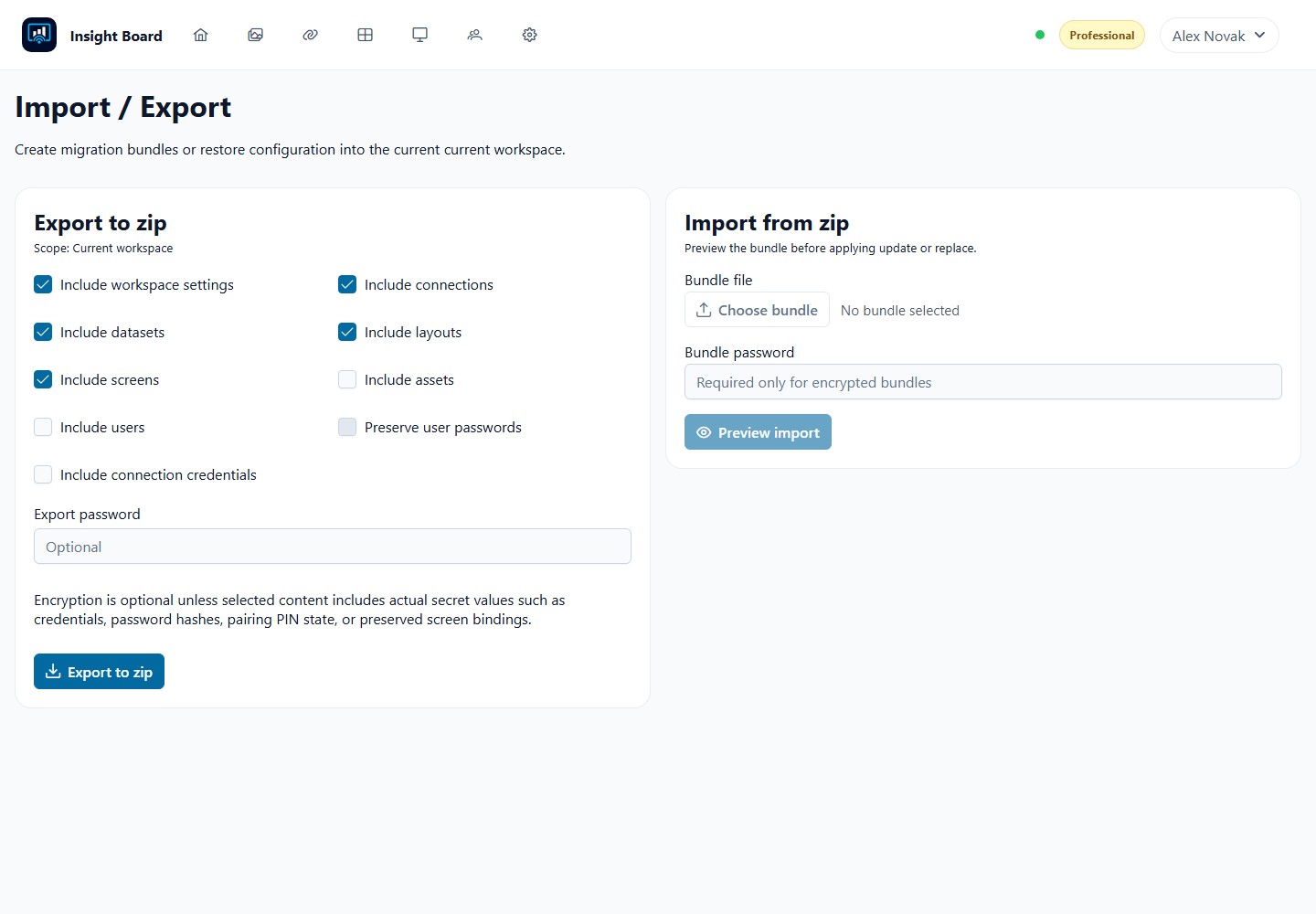
Open Import / Export in an authorised workspace. Export creates a migration bundle, not a complete server backup.
Export
Section titled “Export”Select settings, connections, datasets, layouts, screens, assets, and users as required. Treat connection-credential and preserved-password options carefully. Use the export password controls and transfer the bundle/password separately through secure channels.
Check for private media, customer records, source secrets, or user data before sharing. Record the originating installation/version.
Import
Section titled “Import”Back up the destination first. Select a supported scope, provide the bundle/password, and review import options before applying. Check sources, mappings, layouts, quotas, and destination network access afterwards.
A copied screen definition is not a paired physical device. Verify pairing and playback after transfer. Disaster recovery requires matching database, uploads, secrets, and configuration; see backup/restore.